
Salesforce Managed Services vs In-House Admin: The Real Cost Comparison

Manish Kumawat
Last Updated on: 24 November 2026



Businesses love to use Salesforce solutions, which provide plenty of benefits. Beyond Salesforce development and implementation, running, maintaining, and improving a company's Salesforce CRM system is a long-term task that needs experts. There comes the concern: go for Salesforce managed services or run with an in-house admin.
If you run business ops, you know the feeling. It is Monday morning and the request list is already long. A broken flow that stopped lead routing. A report the CFO wants by Friday. An integration or plugin that fails every few days. And one admin, maybe two, trying to finish all of it together.
Sooner or later, the question lands on the desk: do we hire another admin, or do we hand part of this work to a Salesforce partner? So you need a permanent expert for running your business Salesforce platforms without breaks and hindrances, which also covers maintenance.
Here we give you a direct answer for Salesforce managed services vs in-house services. We look at Salesforce managed services vs in-house teams across cost, speed, risk, and fit. We use real working numbers, and we show the math so you can check with your own business figures. By the end, you will know which path is more beneficial for your team, and where a mix of both makes the most results.
Table of Contents
14 sectionsWhy Confusions?Salesforce Managed Services vs In-House Admin
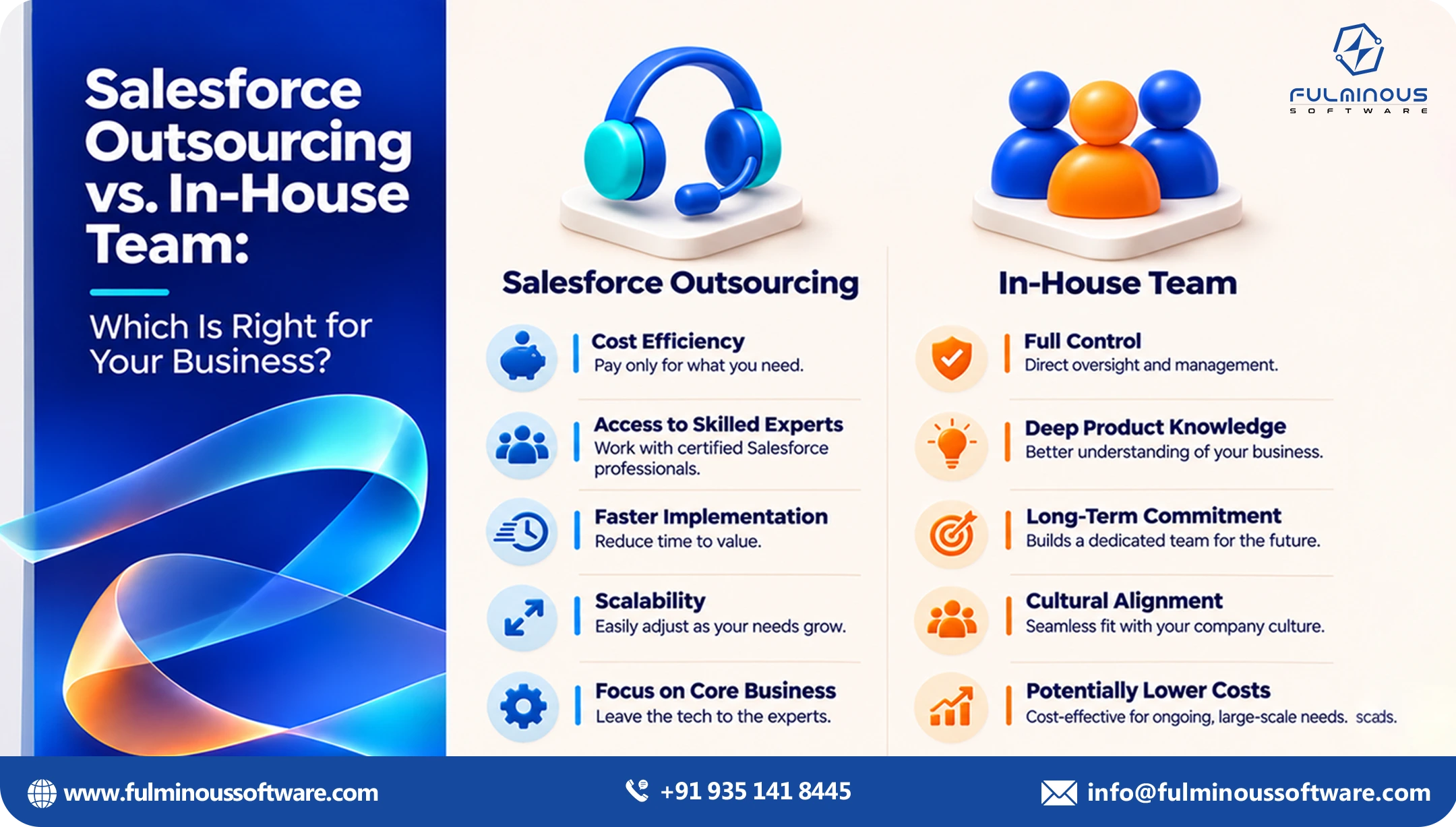
Choosing between Salesforce managed services and an in-house admin is a point where most of the businesses feel confused. Both can keep your org running, handle daily requests, and fix problems when something breaks in Salesforce. The real difference lies in how the work gets done, who does it and how much it costs.
A Salesforce in-house admin sits inside your company and learns how your sales team actually works. They set up users, update records, fix broken fields, and answer questions in minutes. That closeness to the business is hard to do by someone from outside.
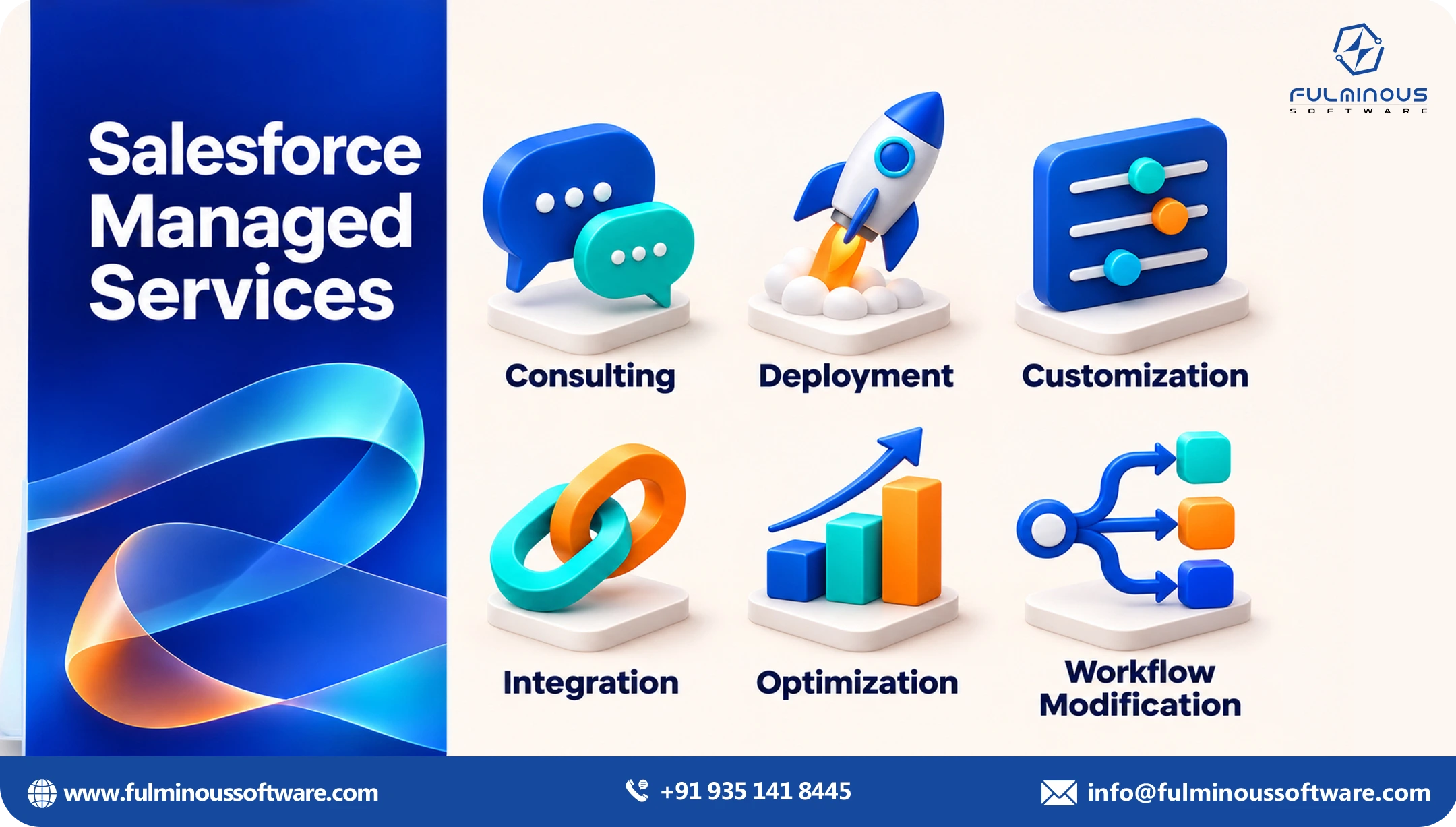
Managed services take a different route. Rather than hiring one full-time person, you rely on an outside Salesforce team for maintenance, release updates, customisation, and troubleshooting. You get plenty of experts, and the work never stops when one person is out.
Most of the confusion comes down to three things: cost, control, and results. In-house gives you a dedicated person on your payroll, while a partner gives you range and flexibility. The right fit depends on your workload, your budget, and what your business needs.
Why the admin backlog keeps growing
Salesforce never stands still. Every new hire, product line, market change, and campaign adds work to the admin queue. Your org keeps growing, but the team that looks after it usually stays the same size.
You have one or two admins. About half their week goes to small Salesforce fixes: user setup, page layouts, permission sets, and quick reports. The other half goes to bigger Salesforce tasks like flows, integrations, and data cleanup. Anything new gets pushed to next week.
The backlog does quiet damage:
- Employees wait days for a simple field change, so they start tracking deals in spreadsheets.
- Duplicate and unwanted records pile up, and managers stop trusting the dashboards.
- Salesforce ships three major releases a year, and nobody has time to test what might break.
- Your best admin spends all day on tickets and never gets to work on strategy.
Then comes the second problem: the cost of fixing it by hiring. As the demand for Salesforce experts is at its peak, the salaries for good admins keep rising. Hiring also takes months. And when a strong admin leaves, a lot of knowledge and experience walks out with them.
This is why more RevOps teams now look at Salesforce support services from an outside partner. The goal is not to replace the current team. The goal is to stop the struggles of running the team.
What an in-house Salesforce admin really costs
Most leaders think of salary first. But salary is only the part of the Salesforce bill you can see. The table below shows a realistic yearly cost for one mid-level admin in the US. These are working estimates, not hard quotes. Your own numbers will differ by city, seniority, and company size, so treat them as a starting point.
| Cost item | Typical yearly range (USD) |
|---|---|
| Base salary, mid-level admin | $90,000 to $120,000 |
| Benefits, payroll tax, insurance (about 25 to 30%) | $22,000 to $36,000 |
| Recruiting, spread over the average time they stay | $7,000 to $12,000 |
| Certifications and training | $2,000 to $5,000 |
| Tools: sandboxes, deployment, backup, monitoring | $3,000 to $10,000 |
| Laptop, software seats, workspace | $3,000 to $6,000 |
| Total | About $127,000 to $189,000 |
So a single admin often costs well over $130,000 a year once everything is counted. This does not include the extra costs that you may not see in the bill.
Coverage gaps. One person cannot be online every day. Vacations, sick days, and holidays leave the org without anyone who knows how it works.
Skill limits. Admin work, flow building, Apex code, integrations, reporting, and CPQ are different skills. One person is rarely strong at all of them, so something always gets done slowly or not at all.
Turnover. Salesforce talent has plenty of options. When your admin leaves, the replacement takes two to four months to find and another few months to learn your org.
Management time. Someone has to hire, coach, review, and plan for this person. That time comes out of your own week.
Idle time. If your work comes in waves, you pay full price during the quiet weeks too.
An outsourced Salesforce admin model goes straight at these hidden costs. It also brings its own elements, which we cover below.
What Salesforce managed services actually include
In simple terms, a Salesforce partner takes ongoing care of your Salesforce org for a set monthly fee. You get an entire team of Salesforce experts and a service desk instead of one employee. A typical plan covers:
- User and permission management
- Flows, validation rules, and small automation changes
- Reports and dashboards
- Data quality checks and cleanup
- Release testing, so the three yearly updates do not break your setup
- Monitoring of integrations and error alerts
- Small enhancements and change requests
- Regular health checks of the org
- A ticket system with agreed response times
Some Salesforce development companies call this package Salesforce support services. Others call it an outsourced Salesforce admin. You buy a defined amount of skilled hours and a service level, not a single person's calendar.
The important difference from a simple Salesforce project is that this is ongoing. In most scenarios, a project has an end date. A managed plan runs every month, so Salesforce solutions in your org stay healthy always. If you want to see what a typical plan looks like, here is how we set up our Salesforce maintenance plans.
Salesforce managed services pricing: what to expect
There is no single rate list for Salesforce managed services, but most providers use one of three models.
1. Hour bank or retainer. You pay for a fixed block of hours each month, such as 40, 80, or 120. This works well when your workload is steady and you want to control spend.
2. Fixed scope plan. You pay a flat monthly fee for a defined list of tasks and response times. This is easy to budget, but make sure the list matches what you really need.
3. Dedicated resource or small pod. One admin or a small team works only on your org, usually full time. It feels most like an employee, without the hiring work.
Rates depend heavily on where the team sits. As a rough guide, onshore teams in the US or Western Europe often charge $100 to $175 an hour. Nearshore teams often fall between $60 and $100. Offshore teams commonly charge $25 to $60 an hour. Monthly plans usually start in the low four figures and can pass $10,000 for broad coverage with fast response times.
Three things move Salesforce managed services pricing more than anything else: the number of hours, how fast you need a response, and how senior the people are. A plan with after-hours coverage and a one-hour response time costs far more than one with next-day replies.
When you compare Salesforce managed services pricing from different vendors, ask these questions:
- Do unused hours roll over, or do they disappear each month?
- Is there a setup or onboarding fee?
- Are emergencies and after-hours requests billed at a higher rate?
- Is project work, such as a new integration, billed separately?
- Who pays for tools like sandboxes and backup?
- Can you reduce or stop the plan with 30 days' notice?
A low hourly rate means little if the quote hides extras. Always compare the total monthly cost for the same scope.
We also see teams cut their rate by using an offshore Salesforce development team for build and upkeep work. It works best when requests are written clearly and both sides agree on a few hours of daily overlap.
Side-by-side cost comparison
Let us put numbers to a real-looking case. Imagine a mid-size company with 150 Salesforce users, two clouds (Sales and Service), and a handful of integrations. After talking to the team, you estimate the work at about 200 hours a month. That includes admin tasks, small builds, and some data work.
A full-time admin gives you roughly 140 productive hours a month, once you remove meetings, holidays, and sick days. That is an important point we will use in a moment.
To keep the Salesforce managed services pricing side honest, we use the middle of the rate ranges above.
| Option | How it works | Approx. yearly cost |
|---|---|---|
| A. Two in-house admins | One senior, one junior. About 280 productive hours a month | About $275,000 |
| B. One in-house admin plus a partner | In-house covers 140 hours. Partner adds 70 hours at $55 | About $211,000 |
| C. Offshore-led partner only | 200 hours at a blended $45, plus about 10% internal oversight time | About $119,000 |
| D. Onshore partner only | 200 hours at a blended $130 | About $312,000 |
A few honest takeaways from this table.
First, Option C is the cheapest by a wide margin. But the savings come mostly from the rate mix and from not paying for idle hours. It is not magic.
Second, Option D costs more than hiring two people. Onshore partners can be worth it for complex or regulated work, but you should not assume a partner is always cheaper. That is the real Salesforce managed services cost story: it depends on the rate and on how much work you give them.
Third, there is a break-even point. If your need is a steady 140 to 160 hours a month of deep work on one skill, one full-time hire can be cheaper per hour than any partner. When the work is uneven, spread across many skills, or above one person's capacity, the partner model starts to win.
Your real hourly cost
Here is a quick check that surprises many leaders. A full-time admin works roughly 1,700 productive hours a year. Divide the annual cost shown in the first table by that number.
- $127,000 divided by 1,700 is about $75 an hour
- $189,000 divided by 1,700 is about $111 an hour
So your in-house admin probably costs you $75 to $110 for every productive hour. An offshore partner at $25 to $60 can look very good beside that, while a premium onshore partner can look expensive. Knowing your own number makes every vendor quote easier to judge.
Where outsourced Salesforce services win
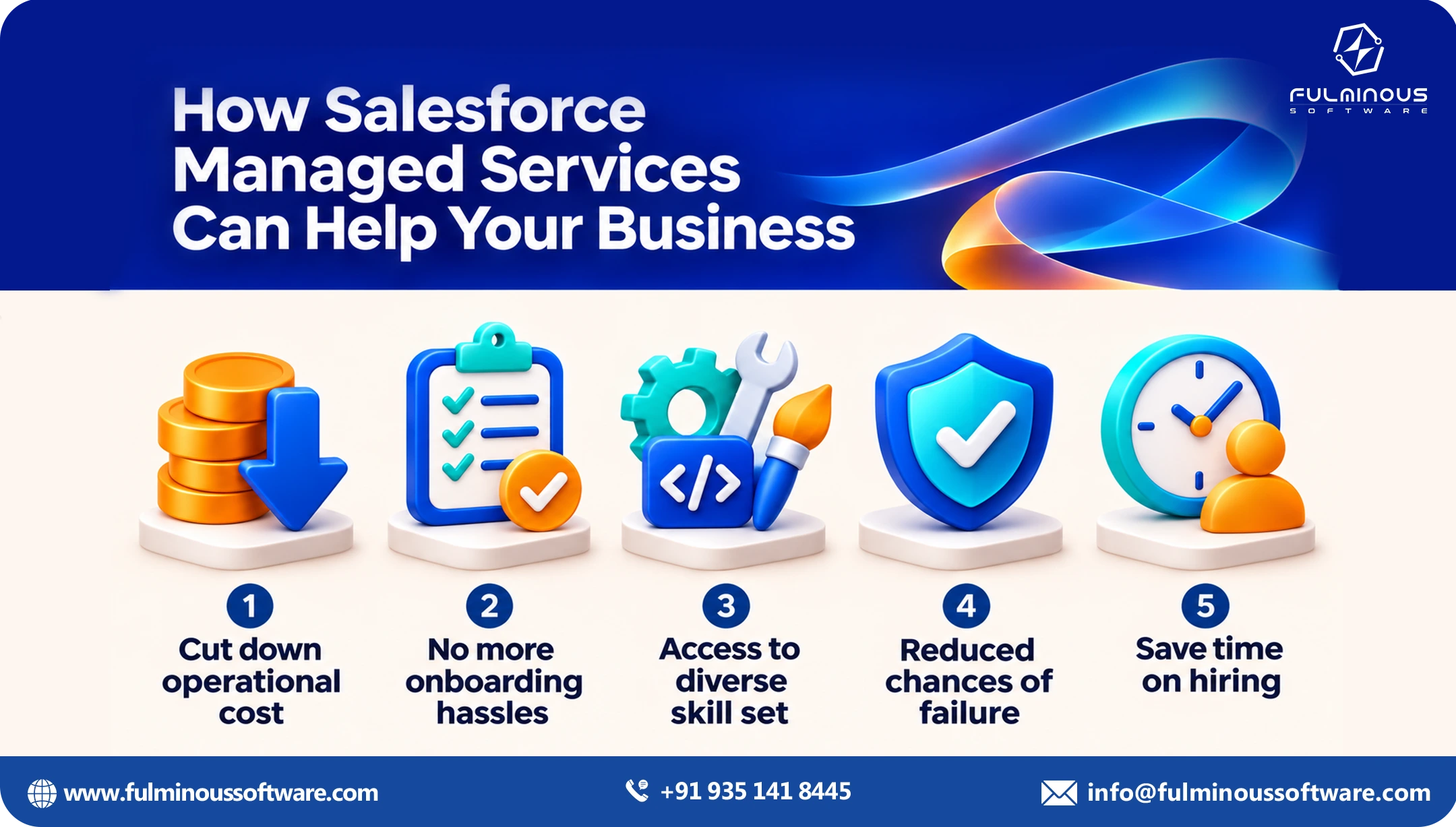
An outsourced Salesforce admin will be more beneficial when:
- Your tasks come in waves, with busy launches and quiet weeks.
- You need more than one skill, such as flows, Apex, reports, and integrations.
- You cannot afford a gap when your only admin is out or leaves.
- You need to clear a backlog fast, without a four-month hiring process.
- You want costs that are predictable and easy to change up or down.
- You want someone to test each Salesforce release before it hits your users.
Where Salesforce in-house admins win
An in-house person is often the better fit when:
- You have a steady, full-time stream of work in one area.
- The role needs deep knowledge of your sales process and daily contact with reps.
- Your data rules make outside access hard or impossible.
- You want one person who owns the roadmap and can answer any question in minutes.
In short, in-house is strong on context and ownership. A partner is strong on range, speed, and flexibility. Neither is right for every company.
Beyond cost: speed, risk, and coverage
Cost is only part of the decision. Three other factors matter a lot for RevOps leaders.
Speed. A good partner works from a queue with clear response times. A request that sits for three weeks in an overloaded in-house backlog might be done in two days. Faster changes mean faster fixes for the sales team.
Coverage. A team in another time zone can work while your team sleeps. An employee reports a broken flow at 5 p.m., and it is fixed before the next morning.
Risk. With one admin, the org lives in one person's head. A partner team keeps notes, tickets, and documentation, so no single exit can leave you stuck.
To be fair, outsourcing has its own risks. Handoffs can be slow if the vendor does not understand your business. Communication can suffer across time zones. You may rely too much on one provider. You can reduce all three by asking for a named team, written documentation of every change, and a clear exit plan.
The hybrid model most RevOps teams pick
In practice, most mature teams do not pick one side. They split the work.
Your in-house person, often a senior admin or a RevOps analyst, becomes the product owner of Salesforce. They decide priorities, talk to sales leaders, and own the business rules. The partner then owns the queue: tickets, builds, release testing, monitoring, and upkeep.
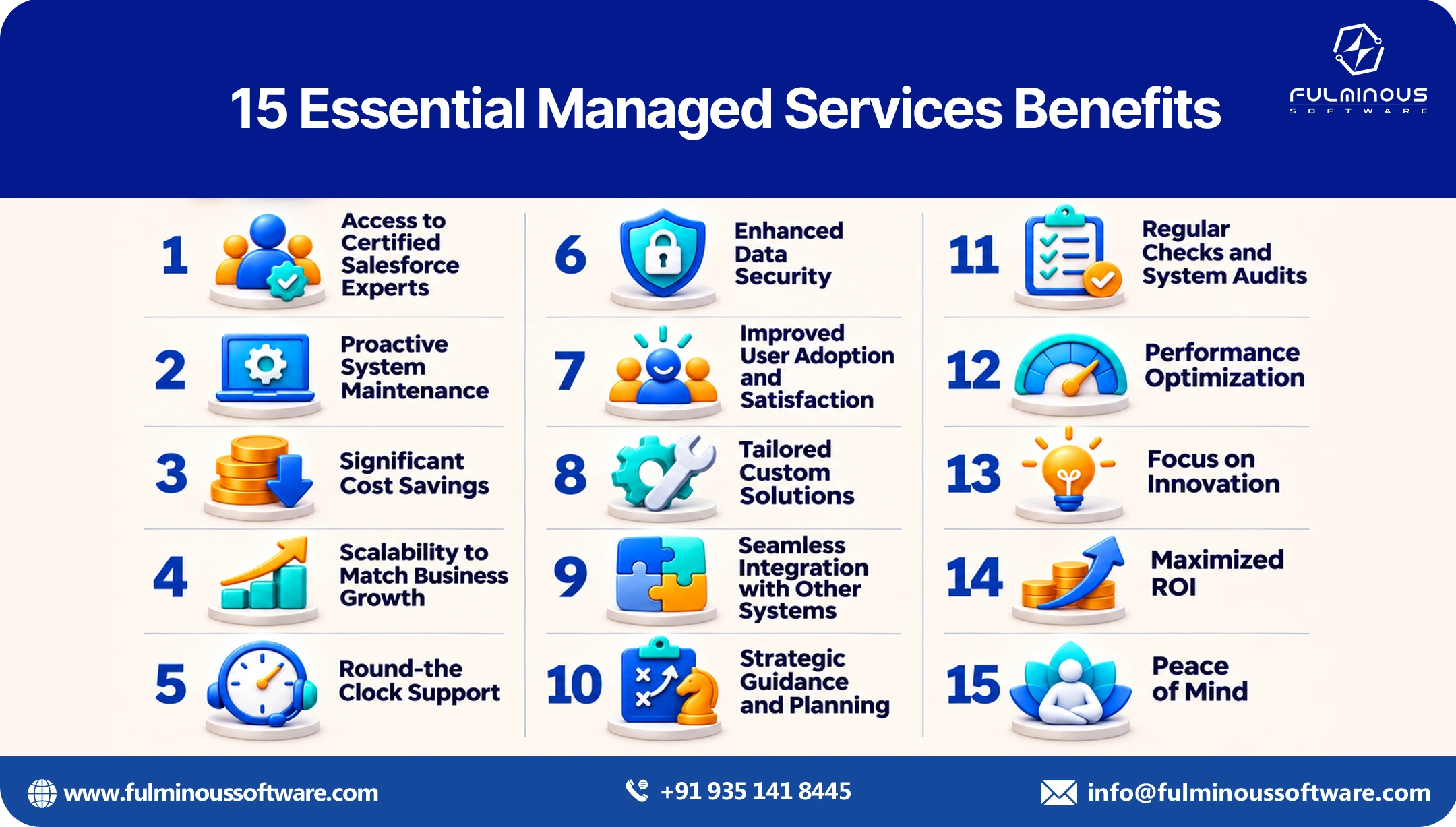
This setup keeps what in-house does best, which is context and decision making. It also gets what Salesforce managed services do best, which is range and steady output. You avoid hiring a second or third admin, and your best person stops drowning in small tickets.
If you already have an admin who is overloaded, this is usually the easiest first step. Hand over the routine tickets and release testing, and keep the strategic work in-house. Many teams find that an outsourced Salesforce admin plan for 40 to 80 hours a month is enough to turn a growing backlog into a short queue.
How to choose a Salesforce managed services provider
Not every vendor is equal. When you review Salesforce support services from different partners, look for these signs of a good one.
Clear service levels. You should see written response and resolution times for each priority level, not vague promises.
A named team. Ask who will actually work on your org. A rotating group of strangers means you explain everything again each month.
Documentation. Every change should be logged in plain language, so you are never locked in.
Access and security. Ask about least-privilege access, how they handle credentials, and what they do when someone leaves their team.
Real reporting. You should get a monthly view of tickets closed, hours used, and ageing items.
Fair exit terms. Month-to-month or 30-day notice after an initial trial period is a good sign.
Certified people. Look for current Salesforce certifications, and ask for examples of work in your industry.
And a few red flags: a price with no scope, no named contact, pressure to sign a long contract before any trial, and a refusal to share how they report hours. Before you sign anything, check how the provider handles Salesforce managed services for teams of your size. A vendor built for enterprise accounts may not give a 150-user company the attention it needs.
A quick decision guide
Use this short list to get a first answer.
- Choose in-house if you have steady, full-time work in one skill area and strict data limits.
- Choose a partner if your work is uneven, needs many skills, or you need coverage without long hiring.
- Choose hybrid if you already have one strong admin who is buried in tickets.
- If you are unsure, start with a small trial. It costs less than hiring the wrong person.
Fulminous Software: modernizing legacy Salesforce Platforms
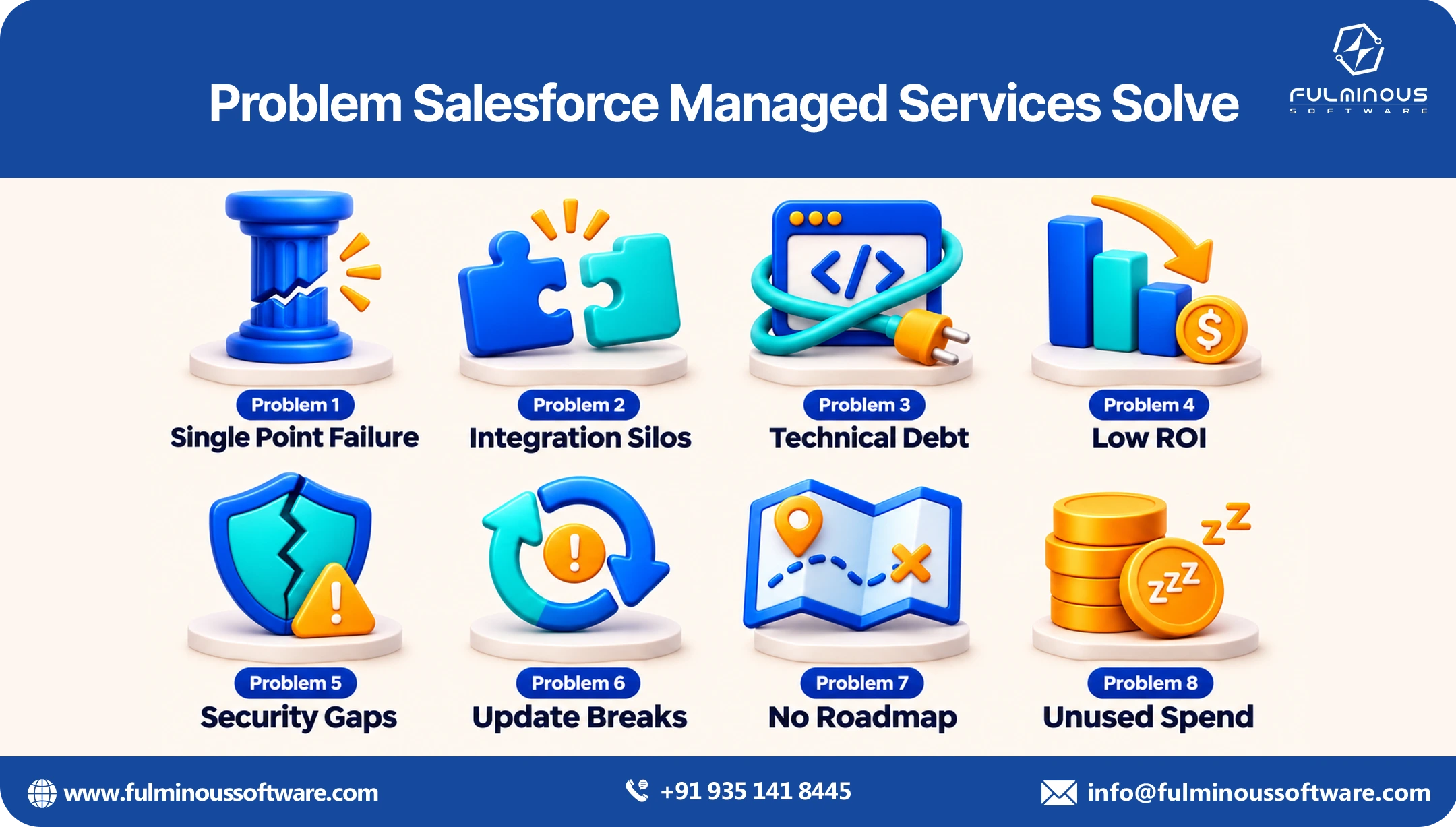
Many orgs we meet are not just busy. They are carrying years of old Salesforce customizations that nobody wants to touch. Maybe it is a set of Visualforce pages built a decade ago. Maybe it is a huge mountain of workflow rules and Process Builder automations, which Salesforce has already announced it is moving away from. Maybe it is old Apex triggers with no tests, or an integration held together by scripts that one former employee wrote.
Fulminous Software helps teams deal with this in a calm, step-by-step way:
Audit first. We map what exists in the org: what is used, what is dead, and what is risky.
Retire what you do not need. Unused fields, flows, and pages add cost and confusion.
Move old automation to modern flows. We rebuild workflow rules and Process Builder logic in a cleaner, supported way.
Refactor Apex and Visualforce. Where it makes sense, we move to Lightning components and add proper tests.
Replace brittle integrations. We swap fragile scripts for stable API-based connections with monitoring.
Document everything. You get plain notes on how each part works.
The major highlights of our Salesforce managed services are the affordable costs, starting at $20=$60 per hour. The best part is that modernization and ongoing care fit together. Once the cleanup is done, the same team keeps the org healthy on a recurring plan, so the mess does not come back.
You can read more on our Salesforce maintenance page, and if you want a lower-cost build team, see our offshore Salesforce development services.
Now make the right decision!
There is no more confusion on the Salesforce managed services vs in-house debate.
In-house gives you context and ownership, but at $127,000 to $189,000 a year per admin, with gaps in coverage and skills. A partner gives you range, speed, and flexible cost, but needs good scoping and clear communication. For most RevOps and sales ops teams, a hybrid is the practical middle: keep your strategic owner, and let a partner clear the queue.
If your backlog is growing and headcount is getting harder to justify, the cheapest next step is to get real numbers. Ask for a scoped quote, compare it with your own hourly cost, and test a small plan before you commit. Salesforce managed services work best when you start small and prove the value. An outsourced Salesforce admin plan can give you that proof in 90 days.
Now you may need answers for many questions like: if I choose Salesforce inhouse admin, then how many admins needed to hire? If I prefer Salesforce managed services, then how do I pick the ideal Salesforce partner? But Fulminous Software has answers for all these concerns. Connect with us now.
Ready to see what your setup would cost? Get a Salesforce support quote and we will scope your backlog, your hours, and a fair monthly price.
FAQs
Q1. Is a managed plan really cheaper than hiring an admin?
Often, yes, but not always. A partner is cheaper when your workload is uneven, when you need several skills, or when the team works offshore or nearshore. A full-time hire can be cheaper per hour when you have a steady 140 or more hours of work a month in one skill area. Work out your real hourly cost first, then compare.
Q2. How much does Salesforce managed services pricing usually cost?
Most plans start in the low four figures each month. The final number depends mainly on how many hours you need, how fast you want replies, and how senior the team is. Offshore-led teams often charge $25 to $60 an hour, while onshore teams usually sit between $100 and $175. When you compare quotes, look at the full monthly cost for the same scope, and check for setup fees and after-hours charges.
Q3. What does an outsourced Salesforce admin do day to day?
They work through your daily queue of requests. That includes user and permission changes, flow updates, reports, data cleanup, release testing, and integration checks. Many plans also cover small builds and regular health reviews of your org. You stay in touch through tickets and short calls, much like you would with a teammate sitting in your own office.
Q4. When does hiring in-house make more sense?
Hire in-house when you have constant, full-time work in one area, when your data rules limit outside access, or when the role needs daily, close contact with sales reps. Many teams still add a partner on top for overflow and release testing.
Q5. Can I use a partner alongside my current admin?
Yes, and it is the most common setup. Your admin keeps strategy and priorities. The partner takes routine tickets, builds, and upkeep. This lets your best person focus on work that moves revenue instead of fixing small issues all day.
Q6. How fast will the team respond to requests?
That depends on the plan. Many providers offer same-day replies for urgent issues and one to two business days for normal requests. Ask for written response and resolution times for each priority level, and check how they report against them each month.
Q7. Is my Salesforce data safe with an outside team?
It can be, if the provider follows good practice. Ask about least-privilege access, how credentials are stored, whether they use your sandboxes for testing, and what happens when a team member leaves. Put these points in the contract, and review access every quarter.
Q8. How long is the contract, and can I cancel?
Terms vary. Good providers offer a short pilot or a month-to-month plan after an initial period, often with 30 days of notice. Be careful with long lock-ins before you have seen the quality of the work.
Q9. What is included in Salesforce support services?
Most plans cover the everyday upkeep of your org. That means user and permission changes, flow and automation updates, reports and dashboards, data cleanup, release testing, integration monitoring, and small enhancements. Bigger jobs, like rolling out a new cloud, are usually quoted separately. So before you sign, ask the provider to spell out exactly where support ends and project work begins.
Q10. How do we get started with a partner?
Begin with a short call where you share your backlog and what you want to fix first. The provider then looks at your org, agrees on scope and response times, and sets up access and a ticket system. Most teams are up and running within two to four weeks. If you are unsure, a small 90-day pilot is a low-risk way to see whether the fit is right.
 Verified
Expert in Software & Web App Engineering
I am Manish Kumawat, co-founder of Fulminous Software, a top leading customized software design and development company with a global presence in the USA, Australia, UK, and Europe. Over the last 10+ years, I am designing and developing web applications, e-commerce online stores, and software solutions custom tailored according to business industries needs. Being an experienced entrepreneur and research professional my main vision is to enlighten business owners, and worldwide audiences to provide in-depth IT sector knowledge with latest IT trends to grow businesses online.



Partner with Top-Notch Web Application Development Company!
Discuss your Custom Application Requirements on info@fulminoussoftware.com or call us on +91-935 141 8445.
15 Days Risk-Free TrialRecommended Articles